
Your idea. Your AI builds it.
Connect your AI assistant to LazyAnalysis through MCP and turn a description into a node graph and its dashboard, checked before you open it.
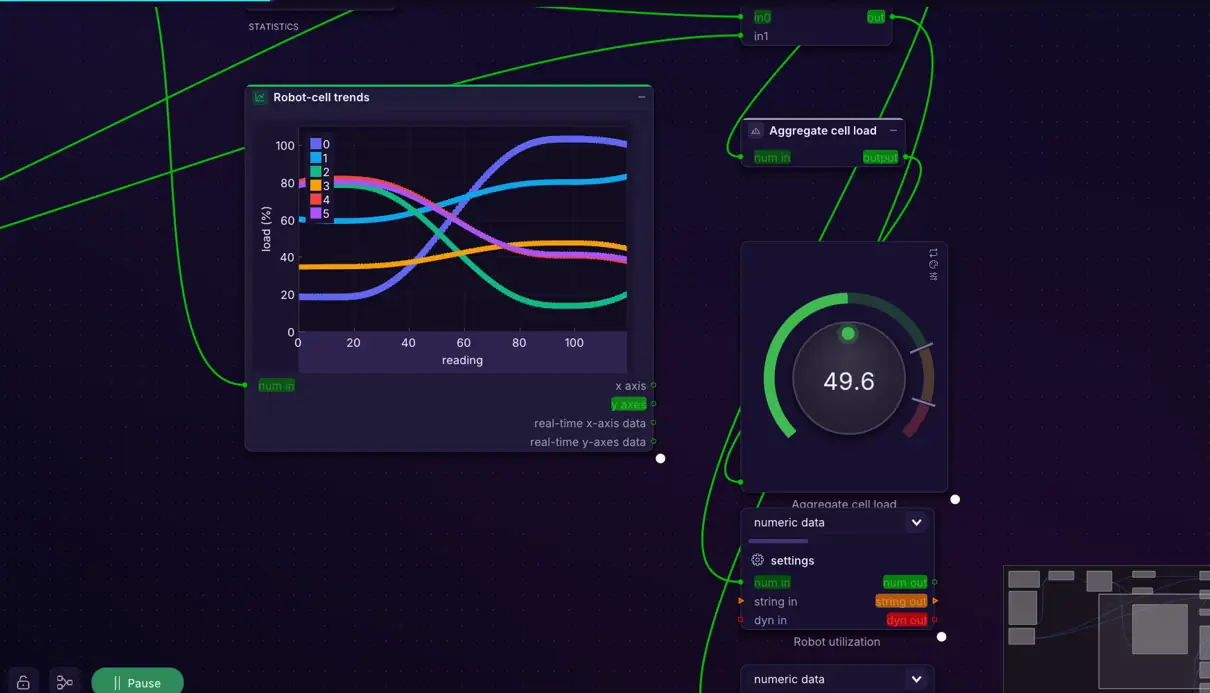
Ask in your own words
Your assistant reads the LazyAnalysis guide, searches the node catalog exported from the application, and describes the graph you asked for: the nodes, how they connect, their settings, the dashboard cards, and the notes.
Built from the real nodes, checked like the application
The LazyAnalysis MCP server builds the complete graph file from each node’s own saved template, then checks it the way the application loads files: required fields, unique identifiers, compatible pins, one link per input. Errors go back to the assistant, which fixes them before you see the file.
Open it, change it, keep going
You get a link to download the graph and open it in LazyAnalysis. The assistant can also read a graph back, change it, and build it again.
What comes next
Today the assistant builds and checks graph files; it does not run them. With the hosted browser workspace, it will be able to run a graph, read its results, and look at the dashboard to check its own work.